The Brownrice VPS Cloner!
How to clone your VPS:
- Log in to your Dashboard
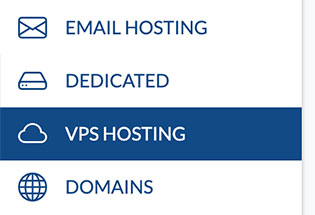
- Navigate to VPS HOSTING
- Select your VPS: yourvpsname.com
-> Click Manage (green button)
- Just below where your VPS name is displayed, click Clone this VPS

- Now just follow the popup instructions to give your new VPS a name and finish the cloning process
Done!