Caution: This is a permanent removal of an email account. All files/folders/data on the email account will be permanently removed from our servers. Restoration of the email and its contents will be billed at our hourly sys admin rate.
- Log in to your Dashboard
- Navigate to EMAIL HOSTING

- Select your domain: yourdomainname.com,
-> Click Manage Email Accounts (green button)
- Scroll to the bottom and click 'Manage Email Accounts' again.

- Click 'Email Accounts'.
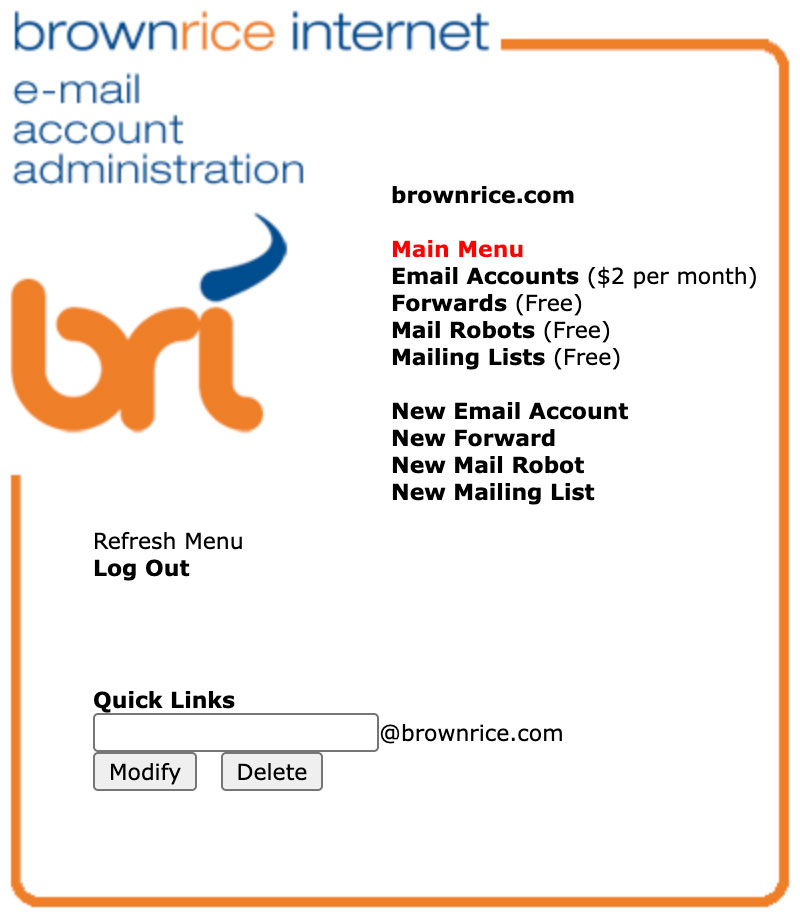
- Click the red " - " icon next to the email address that you'd like to remove.

- Follow the instructions there to set up a forward if you'd like to receive any attempted emails to that address at another email address going forward.
- Done!